


A quieter view of your images.
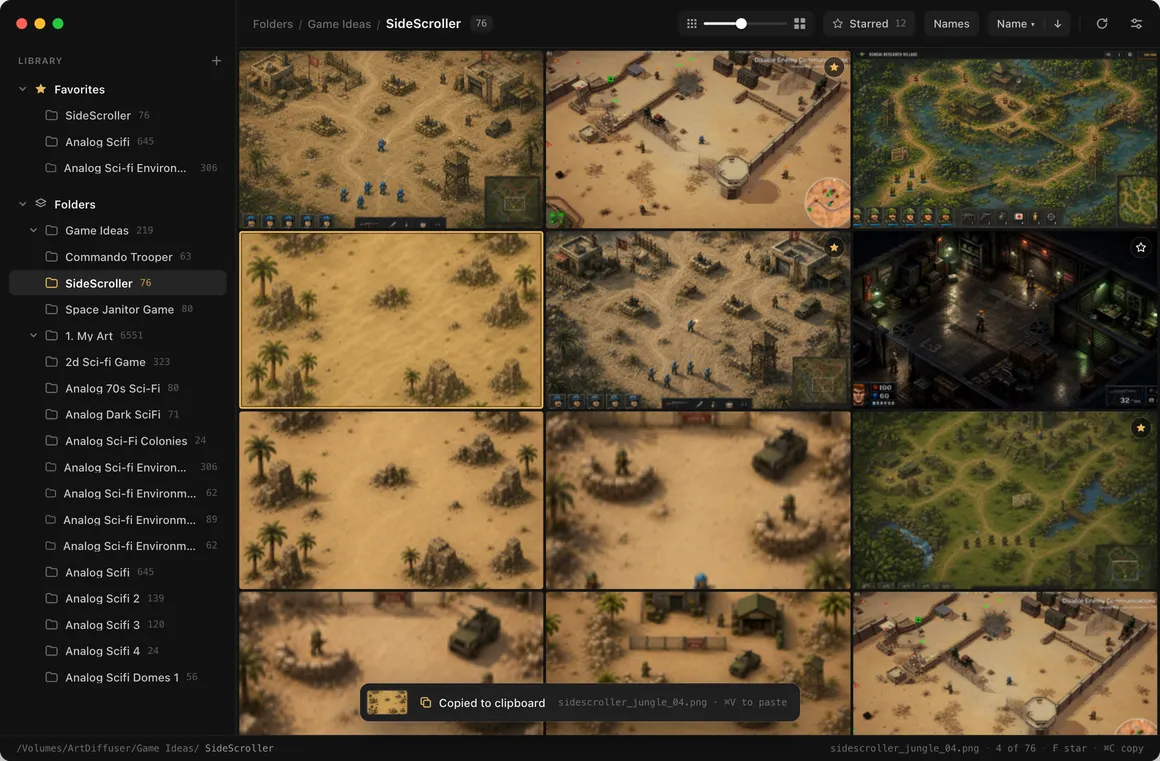
Lightbox is a calm, dark image viewer for Mac. Choose the folders you care about and see them as a wall of pictures, right where they are.
Free1.1.02.6 MBmacOS 14 or laterApple silicon
Your images stay exactly where they are.
Only the folders you choose
Add the folders you care about, group them in the sidebar and keep favorites at the top. Lightbox never goes looking through the rest of your disk.
Nothing is imported
No library to build and no copies to keep in step. You see the same files Finder shows you, with far less empty space around them.
Pictures, not chrome
Images fill the window edge to edge in tidy rows, complete and uncropped. One slider makes them bigger or smaller.

Take a closer look
Open any image to see it in full quality. The arrow keys move through the folder, and the next pictures are already loading before you get there.
- Returnopen
- ←→browse
- escback
Compare two
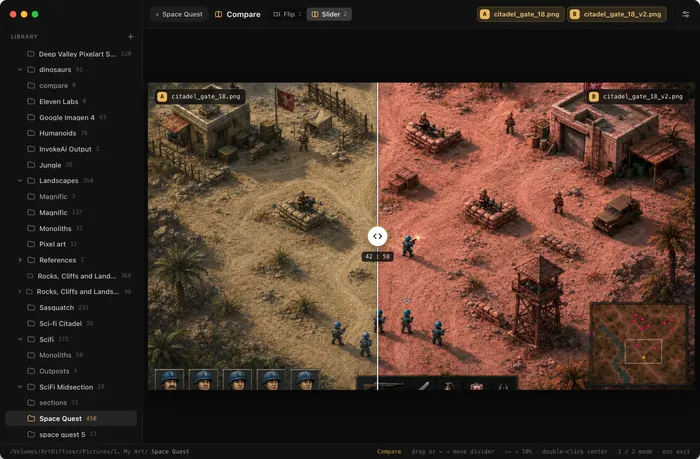
Pick two images and flip between them in place, or drag a divider across to see exactly what changed.
- ⌘click two images
- Ccompare

Split a picture
Cut one image into several separate files, for example a sheet with four pictures on it. The lines snap to the middle, and you decide what happens to the original.
- Ssplit
Stars, favorites, sorting and the rest are on the features page.
Careful with your files.
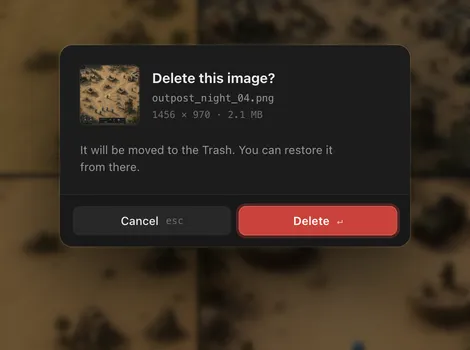
- It asks first. Deleting an image or a folder and renaming a folder wait for your OK. Splitting a picture does too, unless you turn that question off.
- The Trash, wherever there is one. On a drive without a Trash, Lightbox asks a second time before deleting for good.
- Nothing happens on its own. Lightbox changes a file only through an action you pick. Never as a side effect, and never after an error.
- Its own files stay out of the way. Thumbnails live in a hidden
.thumbnailsfolder beside your images.
Quick, even on a network drive
Thumbnails are made once and kept next to your images, so a folder you have opened before shows up almost at once.
Keeps track for you
Rename or move a folder in Finder and Lightbox follows it. Folders on a drive that isn't connected wait, dimmed, until it's back.
Updates find you
When a new version is ready, Lightbox shows what's new and installs it with one click.


Download Lightbox
Download for MacFree1.1.02.6 MBmacOS 14 or laterApple silicon